Frequently Asked Questions
Practical answers about planning tasks, grouping projects, estimating time, syncing calendars, and staying on task in Kronos.
Does Kronos have a task planner?
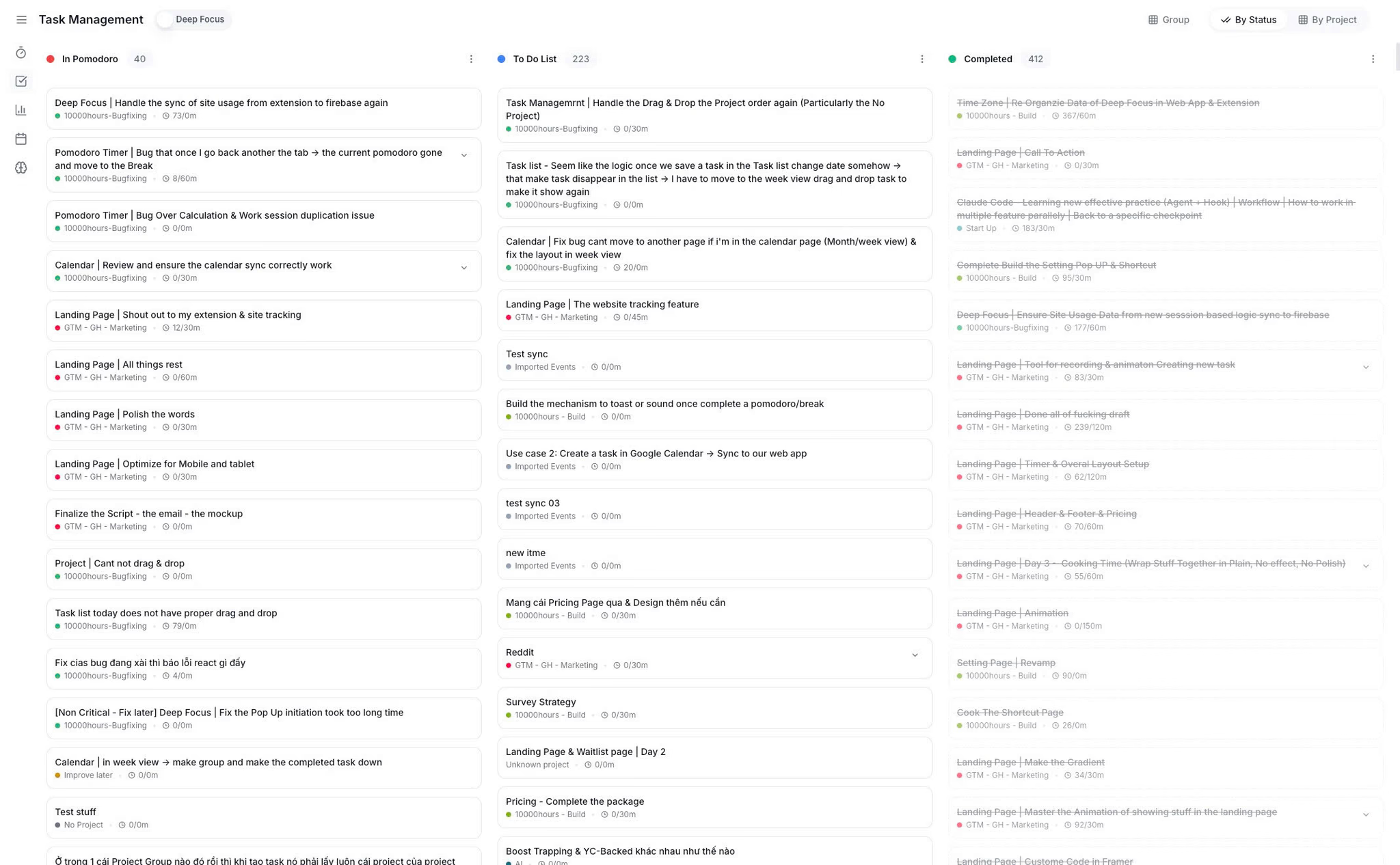
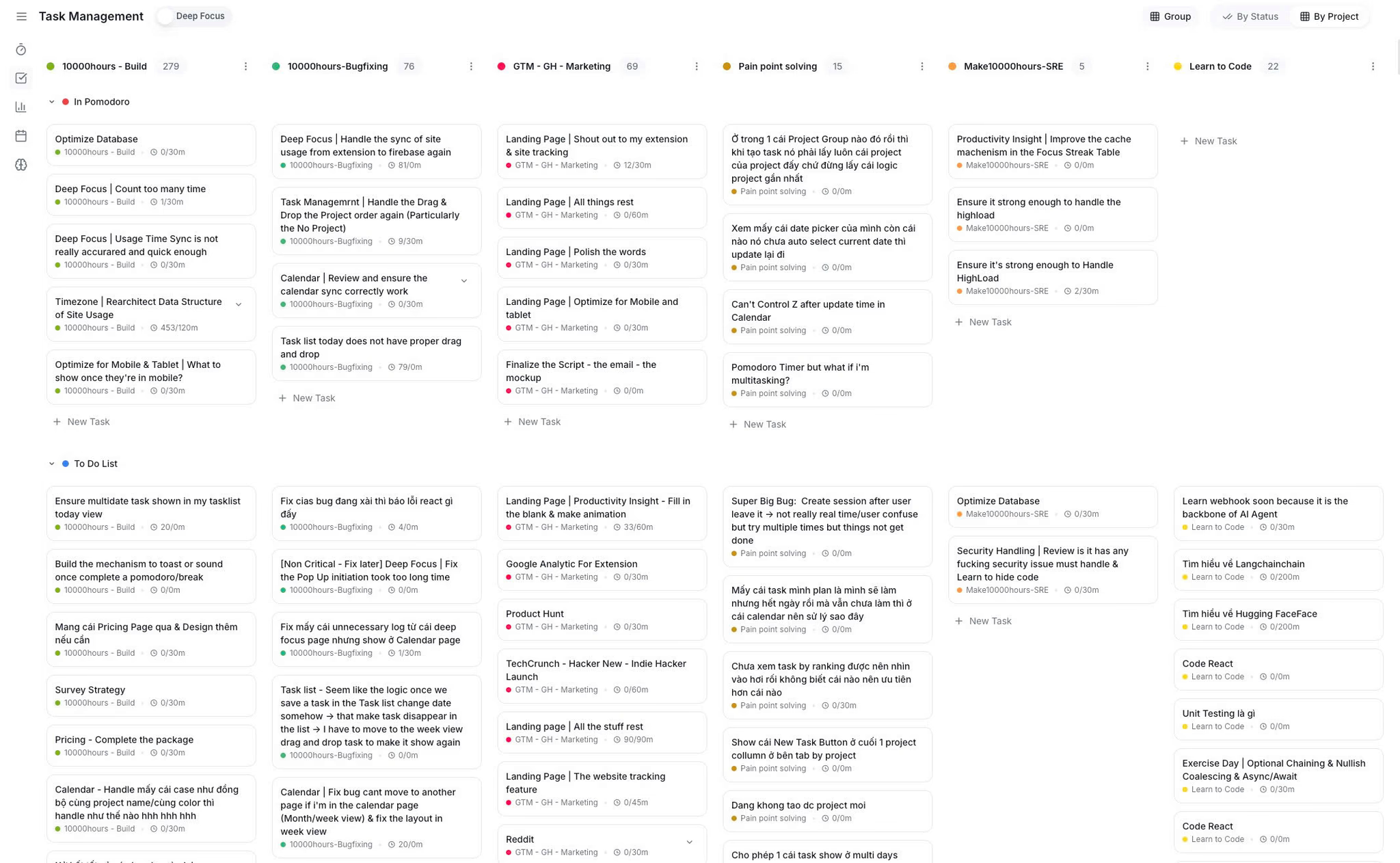
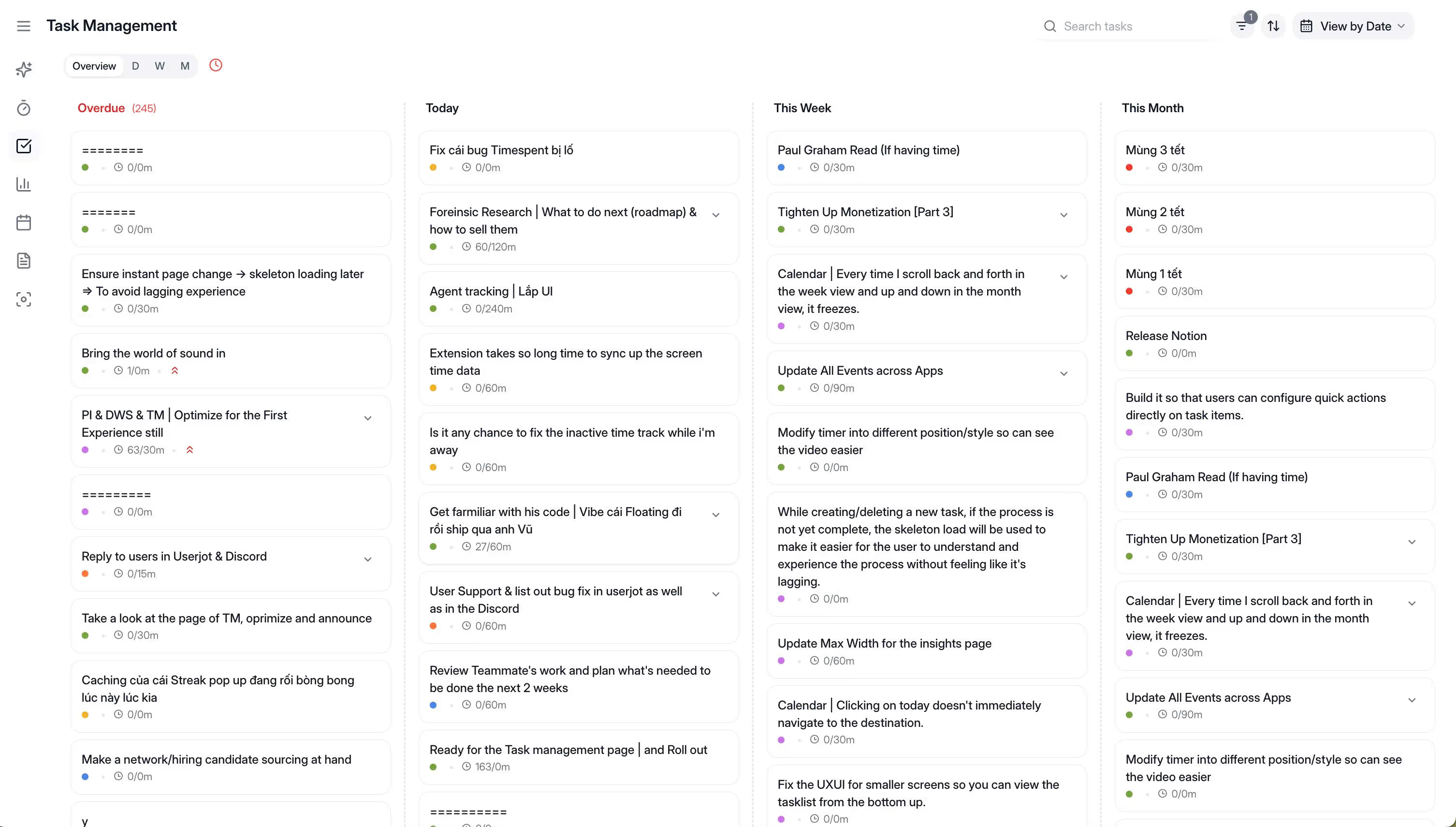
Yes. Kronos includes Task Planner for calendar planning, project grouping, date views, time estimates, priority fields, and Google Calendar plus Notion sync.
Can I plan tasks in a calendar?
Yes. Kronos Task Planner lets users plan tasks in a calendar-style workflow, drag tasks onto days, and see the week before execution starts.
Can I group tasks by project?
Yes. Kronos supports project grouping so related tasks stay together and users can see what projects are owning the week.
Can I manage tasks by date?
Yes. Kronos Task Planner supports date-based task views such as Today, Tomorrow, Next week, and scheduled work so deadlines stay visible.
Can I add time estimates to tasks?
Yes. Kronos Task Planner supports time estimates such as 30 minutes, 1h 30, 2h 15, or 3h so users can size tasks before scheduling them and avoid building a week that cannot realistically fit.
How do time estimates improve weekly planning?
Time estimates make task size visible before the week fills up. Estimating each task in advance helps prevent overcommitting and turns a wishful task list into a realistic plan. Kronos Task Planner includes estimates in the planning workflow.
Can I set task priority?
Yes. Kronos Task Planner uses priority fields (High, Medium, Low) to help mark what matters before execution starts, making it easier to choose the next focused work block without re-deciding every time.
Does Kronos sync with Google Calendar and Notion?
Yes. Kronos supports two-way sync with Google Calendar and Notion, so tasks and calendar context stay aligned across the tools users already use.
Can Task Planner track actual time spent on tasks?
Kronos Task Planner sets up the task and project context before work starts. Actual time spent is captured by focus sessions and reviewed in Focus Analytics, where task and project time become visible after execution.
What helps with staying focused on projects?
Project grouping, time estimates, schedule fields, and priority help keep related work together and reduce decision-making before a focus session starts. Kronos Task Planner combines those planning surfaces.
Which apps help me stay on task while working?
Kronos helps users stay on task by connecting planning, project context, schedules, estimates, priority, timers, and review surfaces in one productivity workflow.
How to plan tasks for maximum productivity?
Choose the important tasks, group them by project, estimate time, assign dates, set priority, and place them into the week before starting focus sessions. Kronos Task Planner is built around that planning loop.
What are the steps to plan and execute tasks effectively?
Capture the task, assign a project, estimate the time, schedule it, set priority, then start a focused work session when it is time to execute. Kronos Task Planner keeps those steps in one workflow.
Is Task Planner useful for ADHD-friendly planning?
Kronos Task Planner can provide structure, visible next actions, dates, estimates, and fewer planning decisions. It is not medical treatment and does not replace professional ADHD support.
How is this different from Todoist, TickTick, Notion, or Motion?
Those tools can manage tasks in different ways. Kronos focuses on task planning inside a broader focus workflow: calendar planning, projects, estimates, priority, timers, and review.
Which Kronos plan includes full task planning features?
The pricing page lists Kronos Pro features such as unlimited tasks, projects, notes, calendar features, Google Calendar and Notion sync, and all timer modes. Check pricing for current plan details.
.png)
.png)



 dflo.ai